> ## Documentation Index
> Fetch the complete documentation index at: https://docs.cambioml.com/llms.txt
> Use this file to discover all available pages before exploring further.
# Introduction
> Welcome to AnyParser documentation
 ## Overview
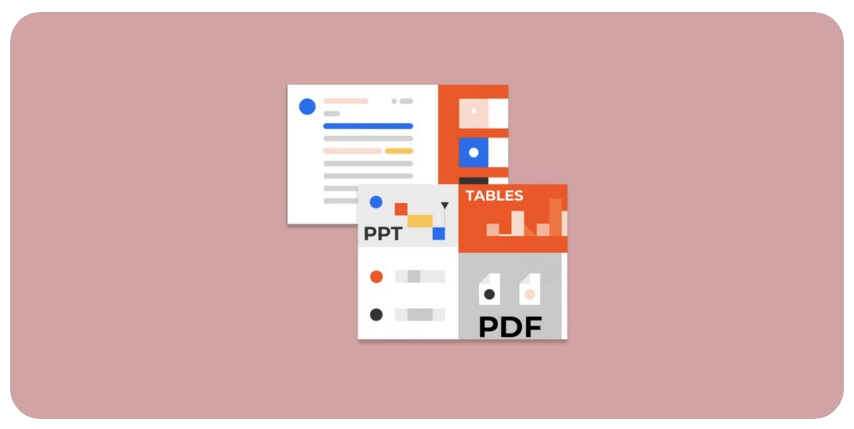
The `AnyParser` is a real-time parser designed to extract content from various file formats, including PDFs and DOCX files. You can use `AnyParser` either through the Python SDK library, or by directly calling the API.
### AnyParser SDK
The easiest way to get started with `AnyParser` is through the SDK. To get started, follow our [Quickstart guide](/quickstart/).
### AnyParser API
The API accepts file content encoded in base64, processes it, and returns the parsed data in markdown format. To get started, check out our [API Reference](/api-reference/)
Get started with a free API key.
Upload files and test out AnyParser in our Sandbox.
## Overview
The `AnyParser` is a real-time parser designed to extract content from various file formats, including PDFs and DOCX files. You can use `AnyParser` either through the Python SDK library, or by directly calling the API.
### AnyParser SDK
The easiest way to get started with `AnyParser` is through the SDK. To get started, follow our [Quickstart guide](/quickstart/).
### AnyParser API
The API accepts file content encoded in base64, processes it, and returns the parsed data in markdown format. To get started, check out our [API Reference](/api-reference/)
Get started with a free API key.
Upload files and test out AnyParser in our Sandbox.